Platform image sizes
One photograph, every shape a campaign needs. These are the sizes the size matrix offers, grouped by where the picture is going, with the margin each platform tends to cover with its own buttons, names and crops.
Check before a launch
Starter sets
Three bundles cover most first campaigns. Each link opens the matrix with the set already in the output list.
- Social launch kit: Instagram square post 1080×1080, Instagram portrait post 1080×1350, Instagram story 1080×1920, Facebook link and feed image 1200×630, X post image 1600×900, LinkedIn post image 1200×627.
- Profile headers: X header 1500×500, LinkedIn profile banner 1584×396, Facebook page cover 851×315, YouTube channel banner 2560×1440.
- Video covers: YouTube thumbnail 1280×720, TikTok video cover 1080×1920, Instagram story 1080×1920.
| Target | Pixels | Shape | Keep clear |
|---|---|---|---|
| Square postFeed post, the grid's own shape. | 1080 × 1080 | 1:1 | nothing in particular |
| Portrait postFeed post at 4:5, the tallest the feed shows uncropped. | 1080 × 1350 | 4:5 | nothing in particular |
| StoryStories and Reels covers, full-screen 9:16. | 1080 × 1920 | 9:16 | profile row above, reply field below — top 13%, right 6%, bottom 18%, left 6% |
| Target | Pixels | Shape | Keep clear |
|---|---|---|---|
| Link and feed imageShared links and landscape feed posts. | 1200 × 630 | 40:21 | nothing in particular |
| Page coverPage cover. Phones show a narrower slice of the middle. | 851 × 315 | 2.70:1 | phones trim the sides — top 0%, right 12%, bottom 0%, left 12% |
| StoryStories, full-screen 9:16. | 1080 × 1920 | 9:16 | name row above, reply field below — top 13%, right 6%, bottom 18%, left 6% |
X
| Target | Pixels | Shape | Keep clear |
|---|---|---|---|
| Post imageIn-feed image at 16:9. | 1600 × 900 | 16:9 | nothing in particular |
| HeaderProfile header at 3:1. | 1500 × 500 | 3:1 | profile photo overlaps the lower left — top 10%, right 5%, bottom 20%, left 5% |
| Target | Pixels | Shape | Keep clear |
|---|---|---|---|
| Post imageShared links and landscape posts. | 1200 × 627 | 1.91:1 | nothing in particular |
| Square postSquare feed image. | 1200 × 1200 | 1:1 | nothing in particular |
| Profile bannerPersonal profile background at 4:1. | 1584 × 396 | 4:1 | profile photo covers the lower left — top 0%, right 5%, bottom 30%, left 28% |
YouTube
| Target | Pixels | Shape | Keep clear |
|---|---|---|---|
| ThumbnailVideo thumbnail at 16:9. | 1280 × 720 | 16:9 | the running time sits bottom right — top 0%, right 18%, bottom 14%, left 0% |
| Channel bannerChannel art. Every device shows the 1546 × 423 middle. | 2560 × 1440 | 16:9 | only the middle strip shows everywhere — top 35%, right 20%, bottom 35%, left 20% |
| Target | Pixels | Shape | Keep clear |
|---|---|---|---|
| Standard pinPin at 2:3. | 1000 × 1500 | 2:3 | nothing in particular |
TikTok
| Target | Pixels | Shape | Keep clear |
|---|---|---|---|
| Video coverCover frame at 9:16. | 1080 × 1920 | 9:16 | buttons on the right, caption below — top 8%, right 13%, bottom 20%, left 6% |
Web
| Target | Pixels | Shape | Keep clear |
|---|---|---|---|
| Open Graph cardThe preview a link unfurls into. | 1200 × 630 | 40:21 | nothing in particular |
| HeroFull-width page header at 16:9. | 1920 × 1080 | 16:9 | nothing in particular |
| Square thumbnailCards, avatars and listing grids. | 400 × 400 | 1:1 | nothing in particular |
How the matrix treats these sizes
Fill, around a point you choose
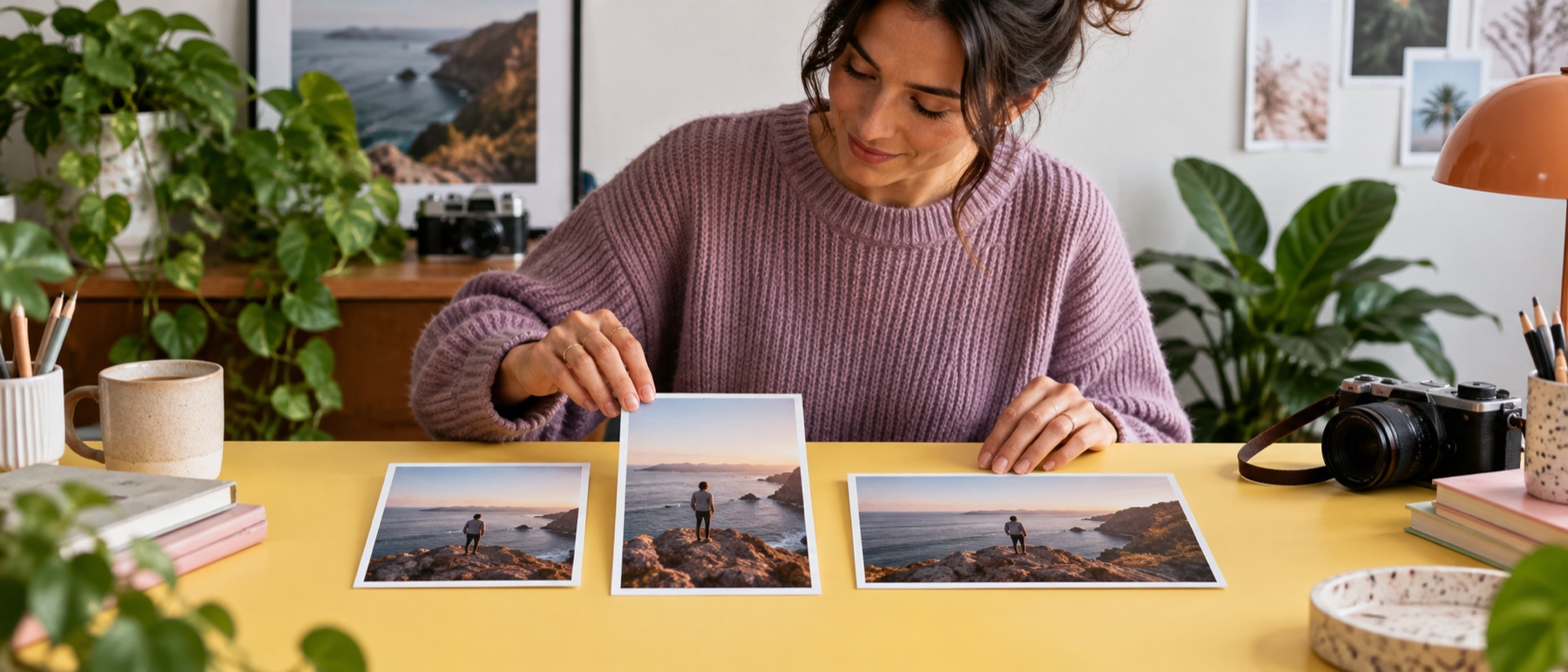
Every preset starts as a Fill target: the box is filled exactly and whatever overflows is cropped. Where the crop falls is set by a focal point on the original, so a figure standing on the right of a landscape photo stays in a 9:16 story instead of being cut in half by a centred crop. Each target keeps its own focal point; Copy to all hands one point to every Fill target while each keeps its own shape.
Safe areas are drawn, never painted
The dashed frame on a story or a banner is where the platform’s own interface usually lands. It is shown on the preview only and never changes a pixel of the file. When the focal point falls outside it, the target carries a warning chip.
Small sources are not enlarged unless you say so
A 1200-pixel photo asked for a 1080 × 1920 story is written at the largest 9:16 crop it holds, and the tile says so. Turn on enlarging for that target to reach the full size, knowing the pixels are being invented.
Portrait and landscape twins
A folder with both orientations can split one target into two: the landscape box for landscape sources and the same box turned on its side for portrait ones. Each twin applies only to its own orientation, which the plan lists before anything runs.
Filenames that sort by platform
Presets write {name}-{group}-{rule}.{ext}, so coast.jpg becomes coast-instagram-story.jpg. Choose A folder per platform under the plan and the ZIP opens as one folder per network.