The complete rule, field by field
A rule is evaluated against every queued source. A match produces one planned output; several matching rules deliberately produce several outputs. Nothing later in the pipeline quietly changes the rule.
Match and transform
| Field | Meaning | Important boundary |
|---|---|---|
| Matcher | all files or a filename glob, optionally landscape, portrait or square only | empty glob means all |
| Except | a second glob that removes files the matcher let in | "**/raw/**" skips a raw folder |
| Source format | JPEG, PNG, WebP, HEIC, GIF, TIFF or SVG, read from the bytes | none ticked means any |
| Transparency | only files whose header declares an alpha channel, or only those without | read for PNG and WebP |
| Size test | long edge, short edge, width or height at least or under a number of pixels | an unmeasured file never matches |
| File size | over or under a number of megabytes | |
| Stop after this target | a matched file is not offered to the targets below | one output per file, chosen by shape |
| Target | max width, max height, long edge, short edge, box, percentage (1–400), print size (cm, mm or in at a DPI) or exact (distorts) | integer output pixels |
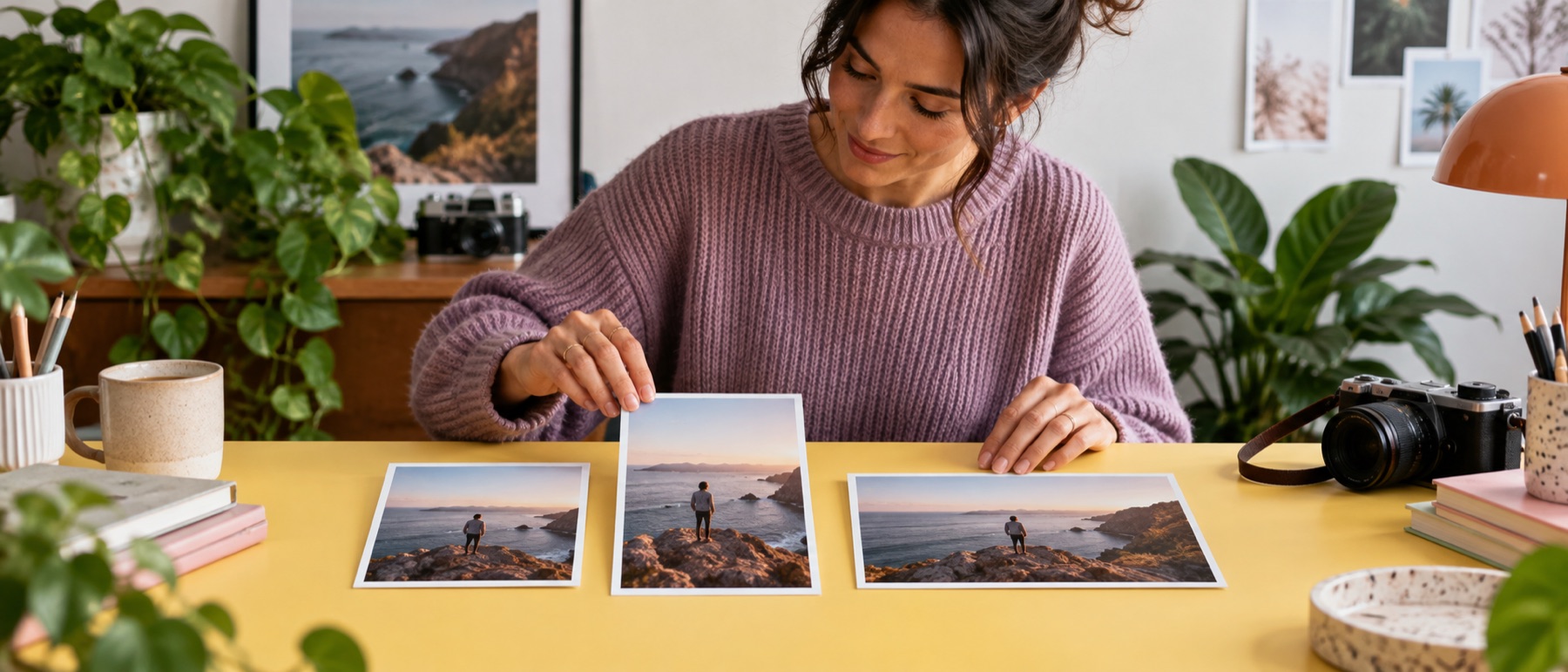
| Fit | contain, cover (Fill), pad or inside | cover may crop; pad never does |
| Focal point | where a cover crop centres, as a fraction of the picture; the nine anchors are its shortcuts | ignored when nothing crops |
| Zoom | cover only: crop tighter than the largest window the shape allows | 1 to 4 |
| Padding | pad only: white, black, transparent, the picture's edge colour or any colour | JPEG writes transparent as its background colour |
| Safe area | margins drawn on the preview | never changes a pixel |
| Enlarge | permit output above source dimensions; Lanczos-3, or AI detail on this device | off by default; AI detail up to 1 MP sources |
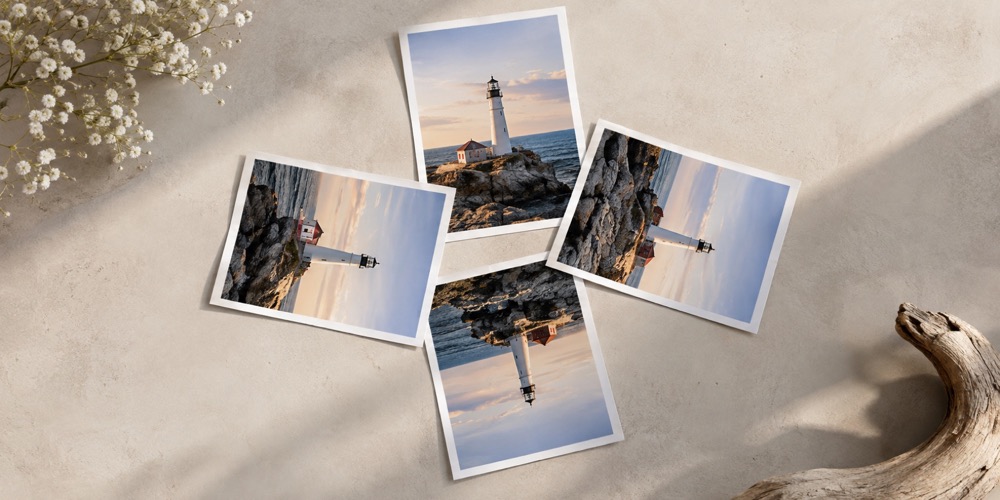
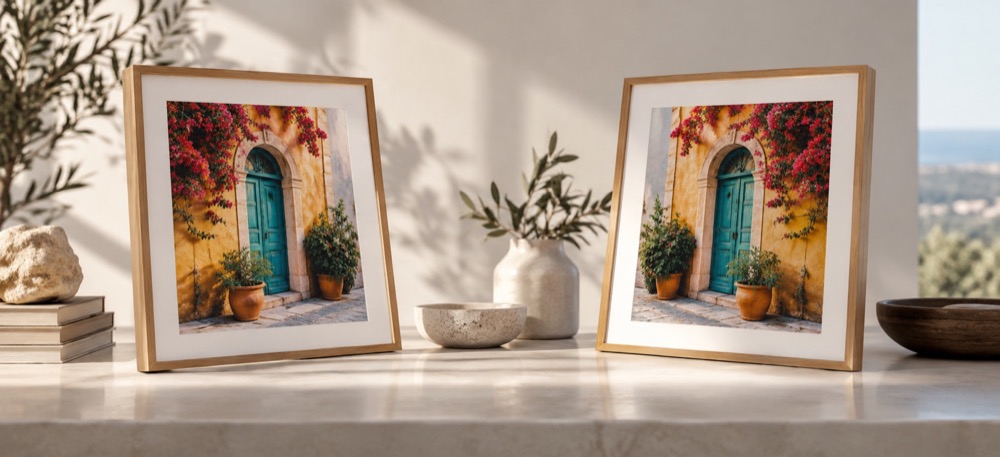
| Turn and mirror | quarter turns and a left-right or top-bottom mirror, after the EXIF orientation | the box is fitted to the turned picture |
| DPR | multiply requested dimensions | also available in names |
Encode and name
| Field | Meaning | Boundary |
|---|---|---|
| Format | source, JPEG, PNG, WebP, AVIF or GIF | unsupported source output becomes PNG; an animated GIF stays GIF |
| Palette PNG | PNG reduced to at most 256 colours | PNG only |
| Sharpen | light or medium unsharp mask on outputs made smaller | off by default |
| Copyright and artist | copies those two EXIF fields from a JPEG source | JPEG to JPEG only; nothing else is copied |
| Quality | lossy encoder target | ignored by PNG |
| At most / at least, KB | a byte ceiling and floor; quality is searched, then the size stepped down 10% up to three times | 1 KB is 1,024 bytes; never padded |
| DPI | written into JPEG (JFIF and EXIF) and PNG (pHYs) | WebP, AVIF and GIF have no DPI field |
| Background colour | JPEG only: what transparent pixels become | white by default |
| Resampling | the browser's high-quality scaler, or Lanczos-3 computed in code | Lanczos is the same in every browser and slower |
| Template | path and filename tokens | literal slash makes a ZIP folder |
| Collision | suffix, overwrite or stop | checked in the plan |
| Archive | flat, a folder per target, a folder per platform, or the source folders mirrored | does not alter names inside rules |
| Group | the platform a target belongs to; fills {group} | custom when empty |
For token details use the /reference/naming page. For a rule stack that can be edited immediately, open /recipes; the file a recipe is saved as is specified on /reference/recipe-format.