
A percentage is per picture
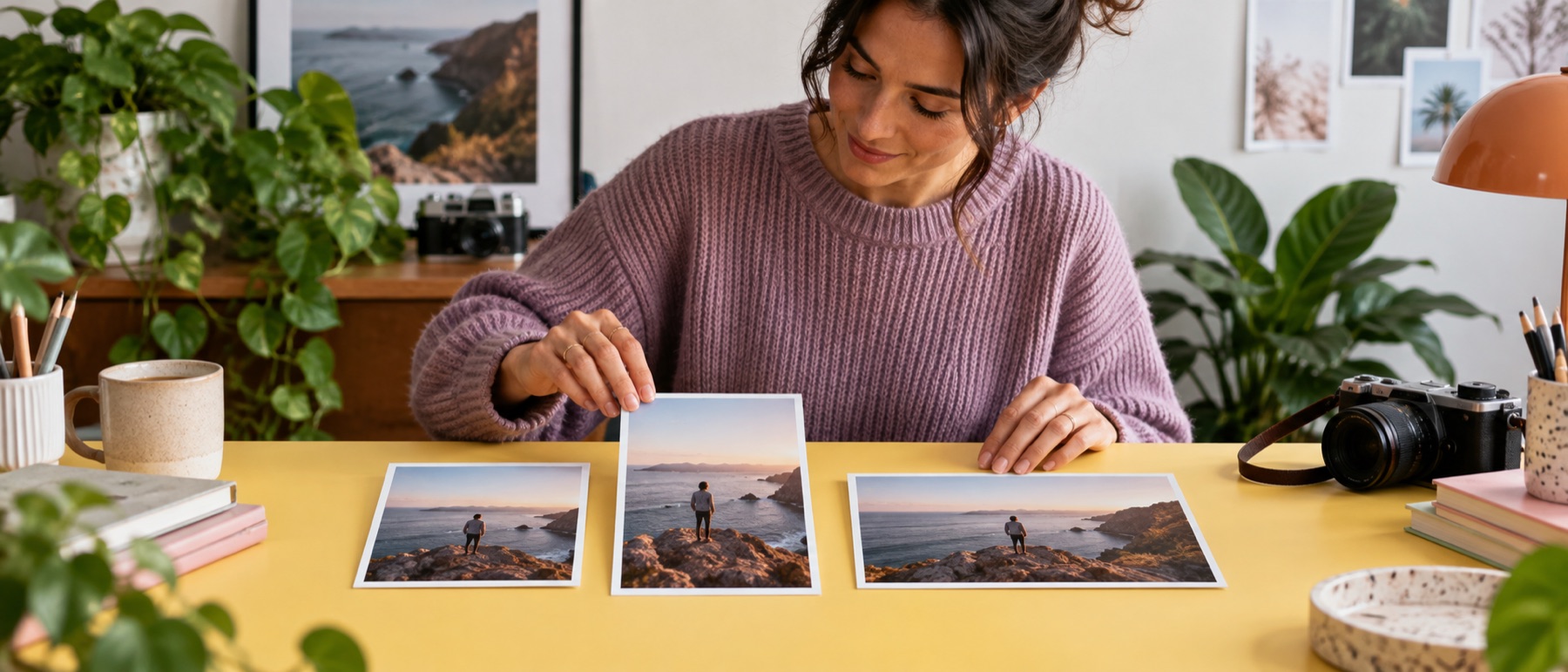
A folder of phone photos and scans scaled to 50% comes back as a folder of different sizes, each half of what it was. The plan lists every one before the run, so a 40-megapixel scan that would still be enormous at half size is visible before it is written.
Questions about scale image
Does 50% halve the file size?
It halves each side, which is a quarter of the pixels. The file usually shrinks by more than half, but by how much depends on the picture; the ledger prints the real bytes.
What happens above 100%?
The picture is enlarged. The quick buttons above 100% switch enlarging on for you; the result is smoother, not more detailed.
Do mixed sizes come out the same size?
No, and that is the point of a percentage: each file keeps its own proportions and is scaled from its own size. To make them all the same size, use a box or a long edge instead.
Can I keep the format?
Yes. The rule starts on Keep, so a JPEG stays a JPEG and a PNG stays a PNG. Formats a browser cannot write, like TIFF, become PNG and the plan says so.