
Four jobs per picture
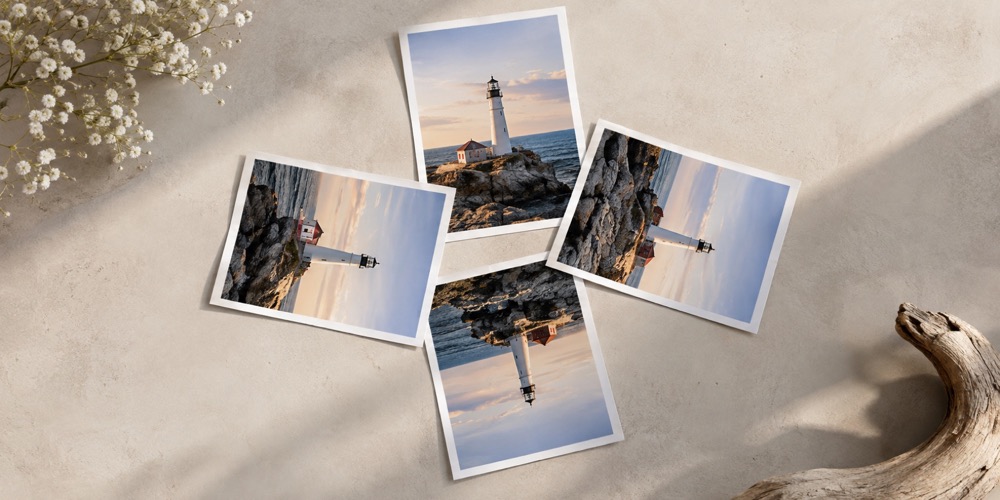
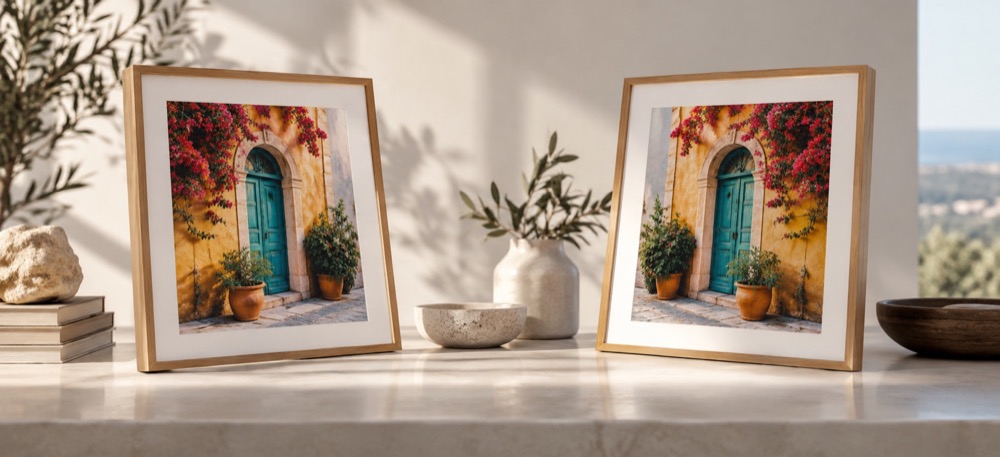
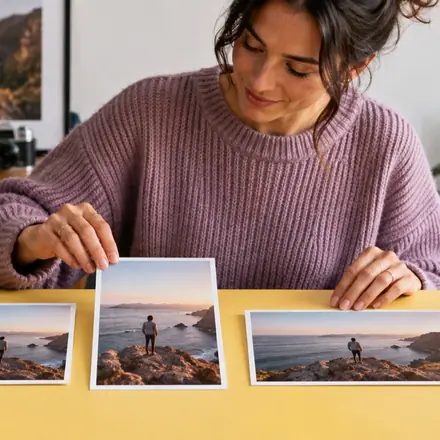
A page header, an image in the article column, a card in a listing and the preview a shared link unfurls into are four different shapes. One drop writes all four, in a folder each.
Questions about resize images for website
Why is the Open Graph card a JPEG?
Some link-preview fetchers still do not read WebP. The card stays JPEG; the on-page images are WebP.
Should I use a responsive set instead?
For one image shown at many widths, yes: the srcset generator writes a width ladder and the markup. This mode is for the four distinct jobs a site's pictures usually have.
Can I change the sizes?
Every output is an ordinary target: select it and change its box, fit, format or name.
Does it upload my images?
No. The whole run happens on your device, and the ZIP is built there.