
One file, the whole engine
This is the same planner and encoder the folder workspace uses, given one picture and one rule. The caption under the preview is the plan's single row: the name it will be saved under, its pixel size and an estimate, replaced by the real size the moment the file exists.
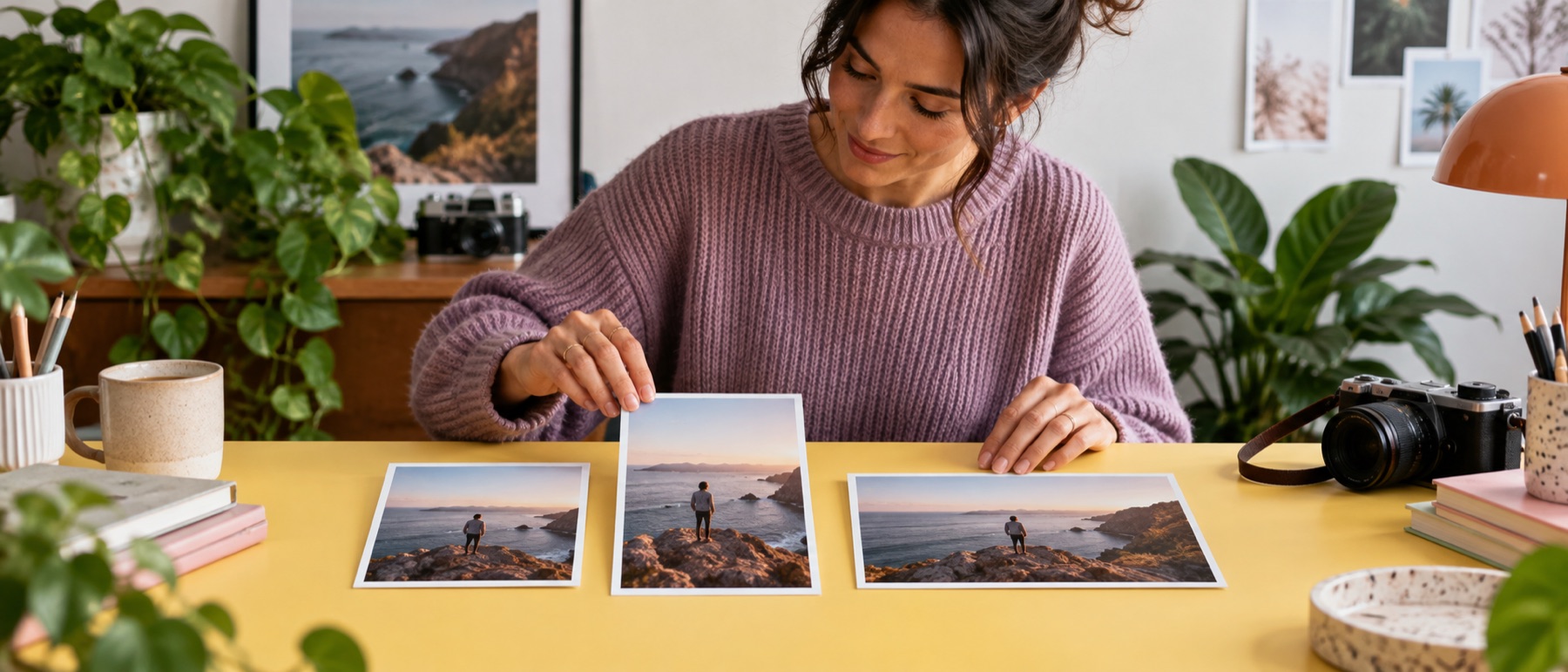
Turn off Keep the shape and the picture is stretched to exactly the pixels typed; the page says so beside the switch, because that is the only setting here that distorts.
What it will not do
It does not invent detail. A picture made larger is smoother, not sharper, and a higher DPI changes only the number a printer reads. Animated GIFs are not flattened to one frame; they are refused with a reason.
Questions about resize image
Is the preview the real file?
Yes. Every change is encoded for real a moment later, and the preview, the size in KB and the Save button all come from that one file. Save writes exactly what is on screen.
Can I resize to centimetres?
Choose cm, mm or in, type the print size and pick a DPI. The pixel count is the print size times the DPI, and the DPI is written into the JPEG or PNG so a print dialog shows the size you asked for.
What if I drop more than one picture?
The page switches to the folder workspace with the same settings, and every picture comes back in one ZIP.
Can it make the file smaller than a number of KB?
Type a number in At most, KB. The highest quality that fits is found by encoding a few times; if even quality 30 is too big, the picture is made 10% smaller at a time, up to three times.
Is my photo uploaded?
No. The picture is read, resized and encoded by this page on your device, and the file you save is made there too.