
Where the Instagram sizes come from
Instagram's help page states photos up to 1080 × 1080; the portrait and story sizes are as its creator guidance publishes them. Source: Instagram's own page, read on 2026-10-18.
Crop or pad
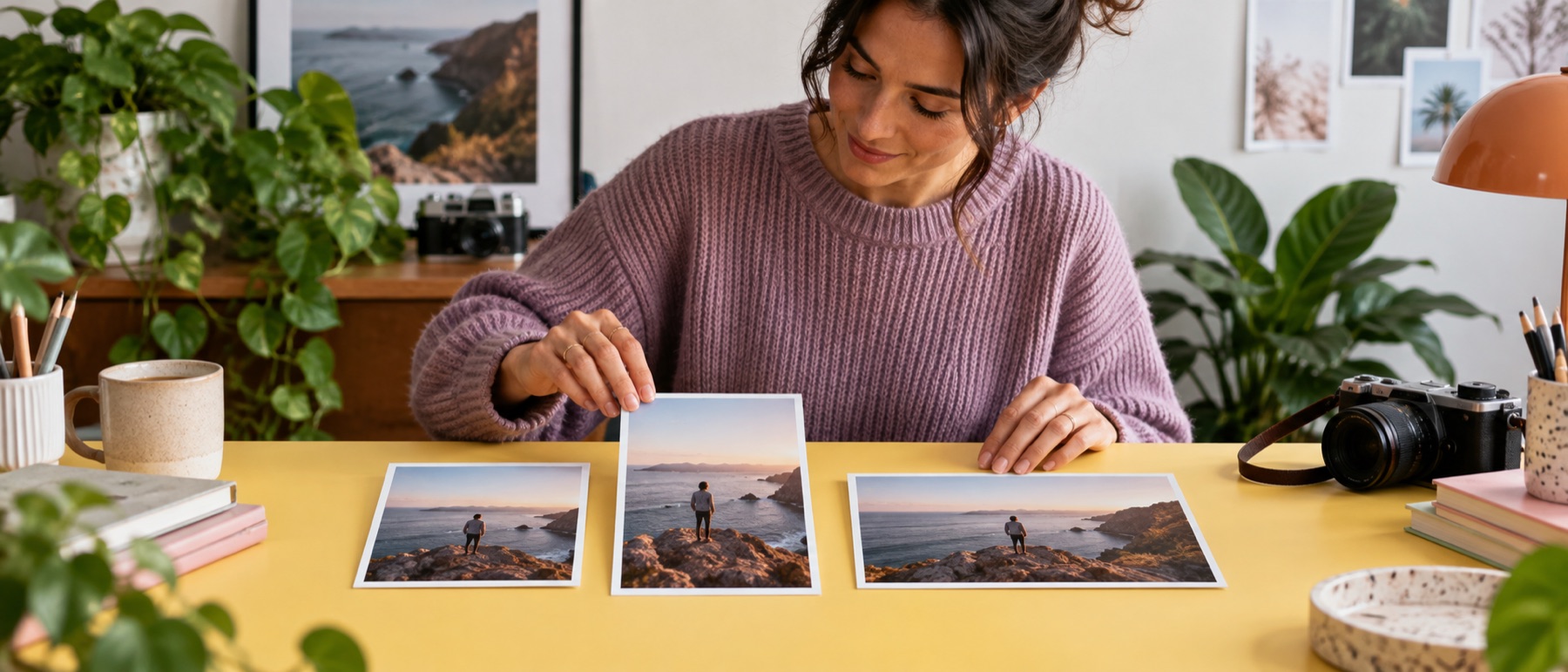
A landscape photo in a portrait post either loses its sides or gains a border. Both are one button here, and the matrix shows the result on your own picture before you choose.
Questions about resize image for Instagram
How do I post without cropping?
Press No crop (pad). Every target keeps the whole picture and fills the rest of the box with white, or any colour, or the picture's own edge colour.
Which size should I use for the feed?
1080 × 1350 is the tallest the feed shows without cropping; 1080 × 1080 is the grid's own shape. The story is 1080 × 1920.
Why is the story shown with a dashed frame?
The profile row sits at the top and the reply field at the bottom. Keep the subject inside the frame; it is never painted into the file.
Where do these sizes come from?
Instagram's help page states photos up to 1080 × 1080; the portrait and story sizes are as its creator guidance publishes them.