
One box, every picture checked
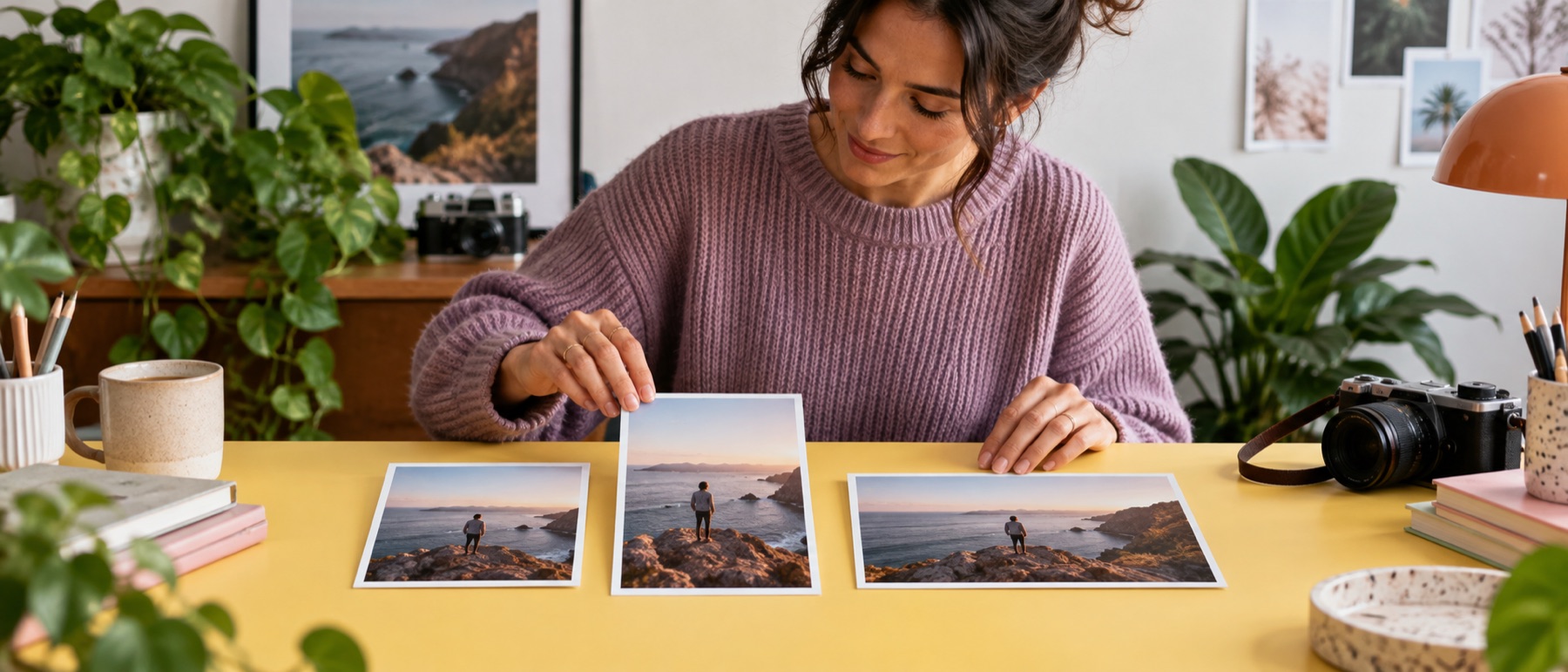
A folder of product shots rarely has its subject in the same place twice. The Check crops strip shows how the selected box falls on every picture at once, so the three that need a different point are obvious, and fixing one is a click and a drag.
Questions about crop and resize image
Can each photo have its own crop?
Yes. Switch Focal point to This picture, then drag on the picture or pick one from the Check crops strip under the queue. Its point is kept for that file only and noted in the manifest.
What does Apply to similar shots do?
It copies the current picture's focal points to every other picture with the same orientation and the same shape, within 2%. It does not look at what is in them.
Will it ever crop off something I needed?
It crops exactly where the focal point puts the box, and the risk chips warn when a crop keeps less than half the picture. Pad keeps the whole picture instead.
Can I suggest a focal point automatically?
Suggest marks a guess from a classical saliency map as a ring; nothing moves until you choose to apply it.