Metadata only, or a real resample
Most "change the DPI" requests are about a number: a form or a print shop reads it and refuses the file when it says 72. Rewriting that number is a header edit, and that is all the first mode does.
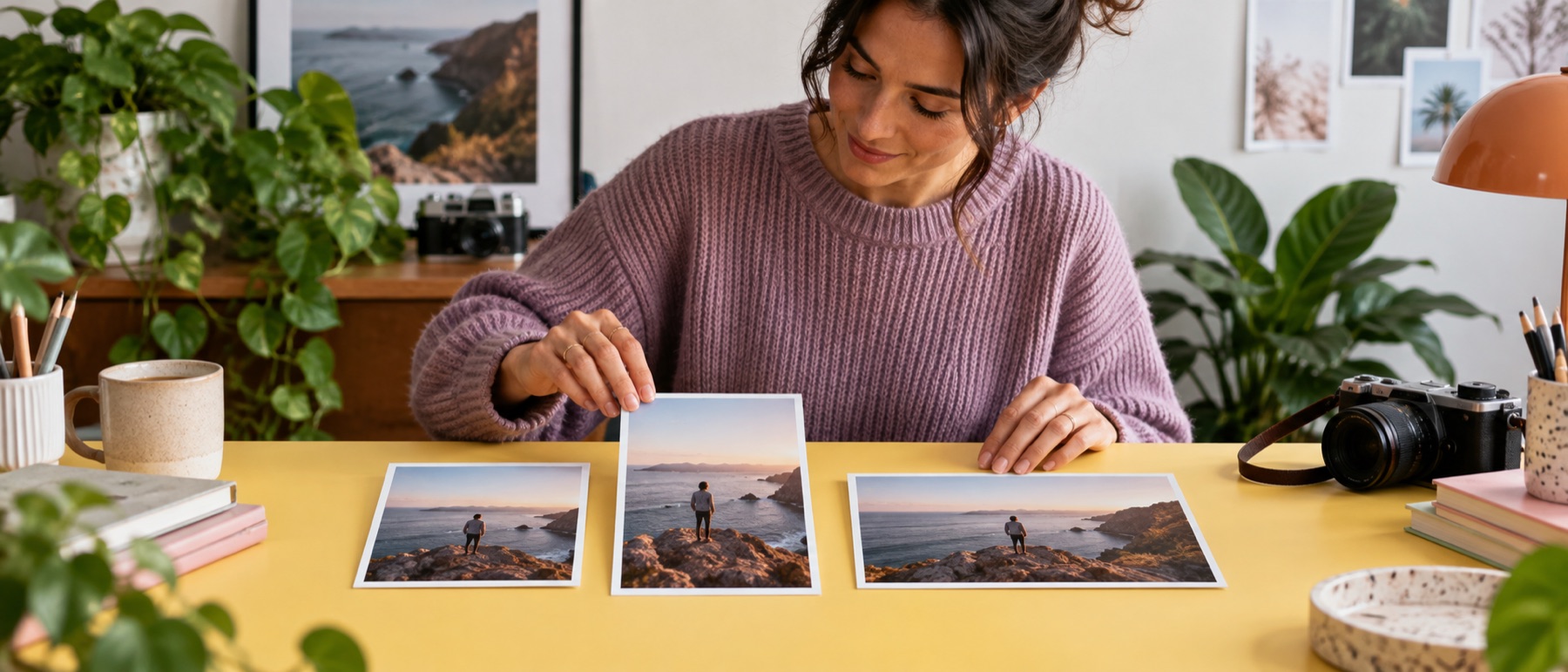
The second mode is the folder workspace preloaded with a print size, for when the picture really does need more or fewer pixels for the print.
Questions about change DPI
Does changing the DPI lose quality?
Not in the metadata-only mode. The JPEG's header is patched in place and the compressed picture data is copied byte for byte; a PNG gets a new pHYs chunk and every other chunk is copied.
Will 300 DPI make my photo sharper?
No. DPI does not add detail. It tells a printer how big to print the pixels you have. To print larger with more pixels, resample to a print size below, which enlarges the picture smoothly.
Which formats carry a DPI?
JPEG and PNG. WebP has no standard field for it, so a WebP file is listed and left alone.
Why does my form want 300 DPI?
Usually so a printed copy comes out at a known size. Check the form's pixel and KB limits too; those are what upload checks actually test.