
Six crops, one picture
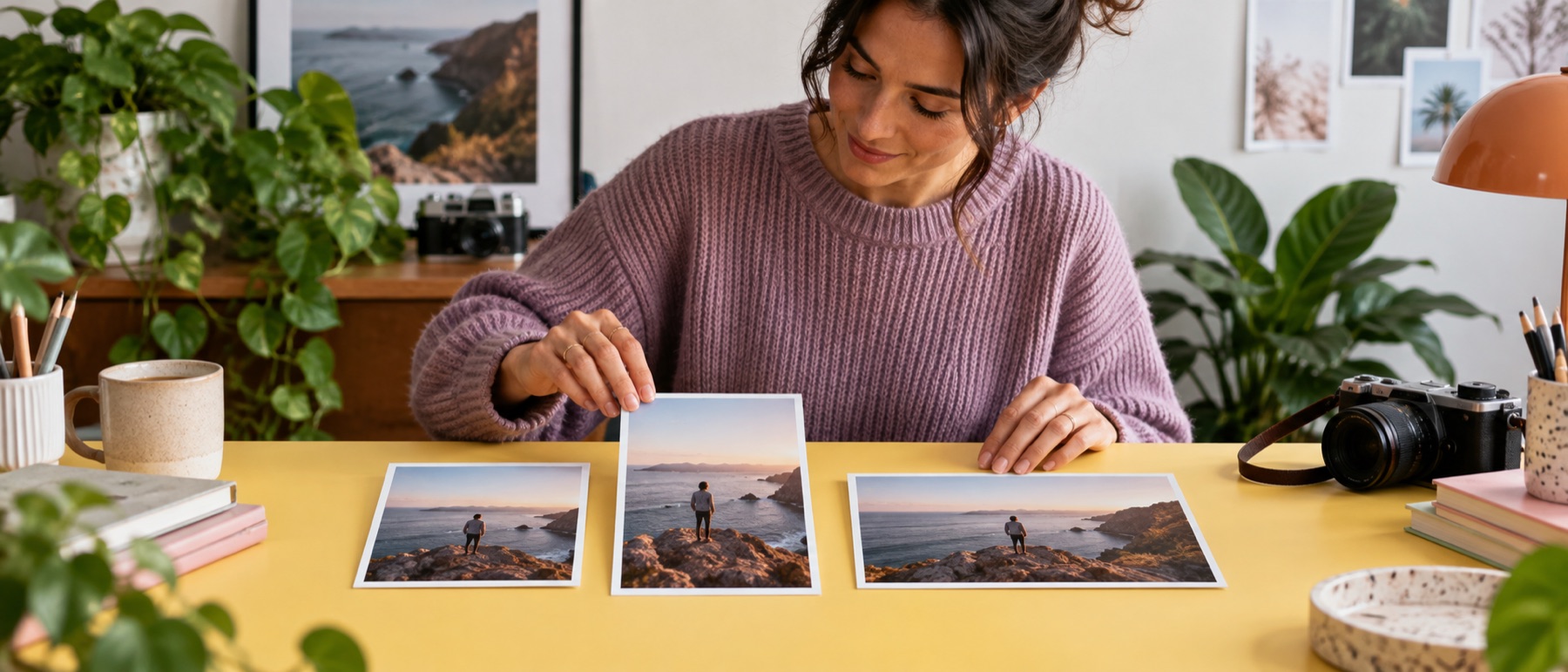
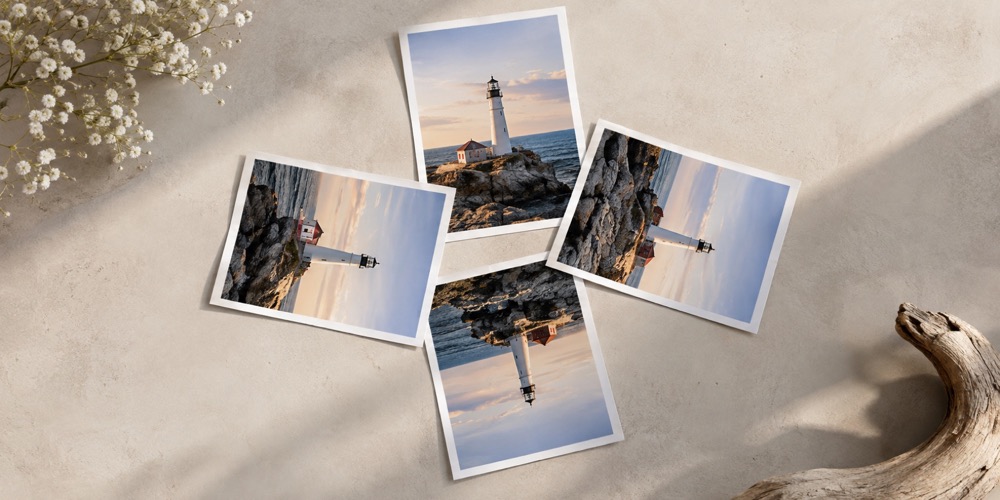
A launch picture has to survive a square, a 4:5 portrait, a 9:16 story and a wide link card. The matrix draws all of them from your own picture side by side, so the one that cuts the subject's head off is visible before anything is written.
Questions about social media image resizer
Which sizes are in the kit?
Instagram square, portrait and story; a Facebook link image; an X post image; and a LinkedIn post image. Add any other platform size from the output set.
Are these the platforms' official sizes?
Instagram's help page states its photo size; the rest are as each platform's own upload guidance has published them, and the size reference page says which have a recorded source. Check before a launch.
What are the dashed frames?
Safe areas: the margins where a platform's own buttons, names or reply bars tend to sit. They are drawn on the preview only.
Can I do a folder of pictures?
Yes. Every picture gets every size, and the ZIP can hold a folder per platform.