
Two shapes from one frame
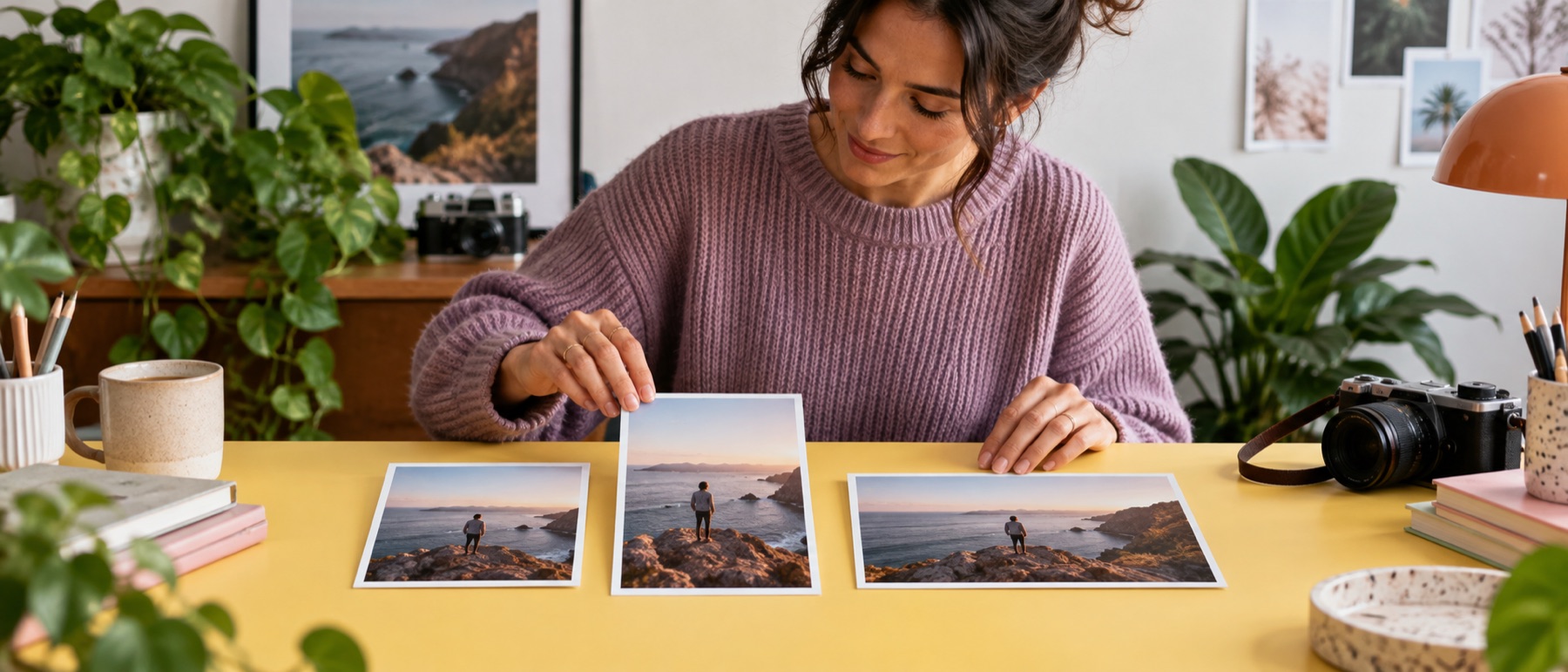
A thumbnail and a banner from the same still is the usual job. Both targets are drawn side by side from your picture, each with its own focal point, so the banner's narrow strip and the thumbnail's corner are both checked before the run.
Questions about youTube thumbnail resizer
What size is a YouTube thumbnail?
1280 × 720 pixels, 16:9. The running time is printed in the bottom right corner, so the safe area keeps the subject clear of it.
Why does the banner look mostly empty?
Every device shows the 1546 × 423 middle strip; televisions show the whole thing. Keep text inside the dashed strip.
Can I keep it under 2 MB?
Set At most, KB to 2048 in the output section and the quality is searched to fit.
Is the source uploaded?
No. The crops are drawn and encoded on your device.