
Where the WhatsApp sizes come from
WhatsApp publishes no pixel size for a profile photo. 640 × 640, padded rather than cropped, is a practical default and nothing more.
Square, then round
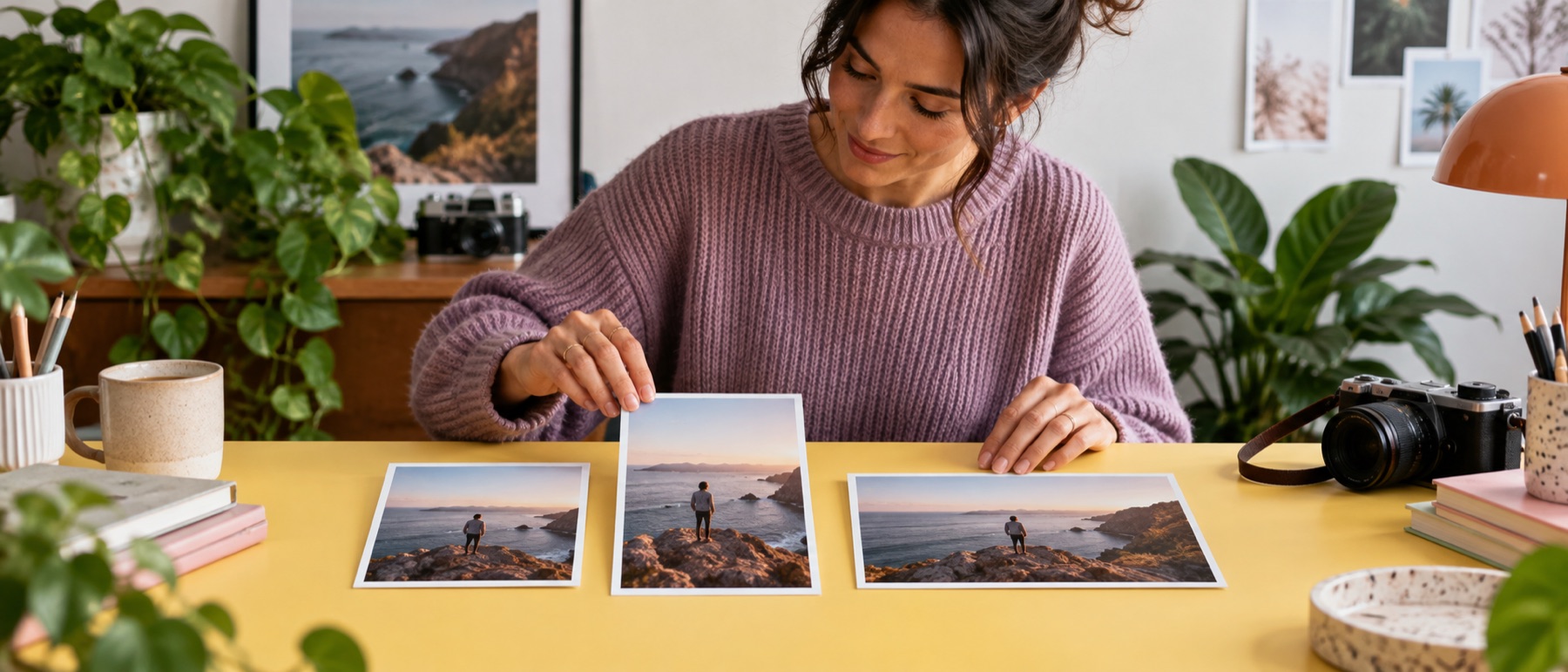
A profile photo is uploaded square and shown round. The circle on the preview is the part that survives; padding the picture instead of cropping it keeps a full-length photo whole.
Questions about whatsApp DP resize
What size is a WhatsApp DP?
WhatsApp publishes no pixel size for a profile photo. 640 × 640 is a practical default and nothing more; any square uploads.
How do I set a DP without cropping?
The target starts on Pad: the whole picture sits in the square on white. Change the padding to any colour, or to Edge for the picture's own border colour.
Why is there a circle?
WhatsApp shows the profile photo as a circle. The circle and the dimmed corners are drawn on the preview only, so you can keep a face inside it.
Is my photo uploaded?
No. It is resized on your device and saved from there.